Technology Operations
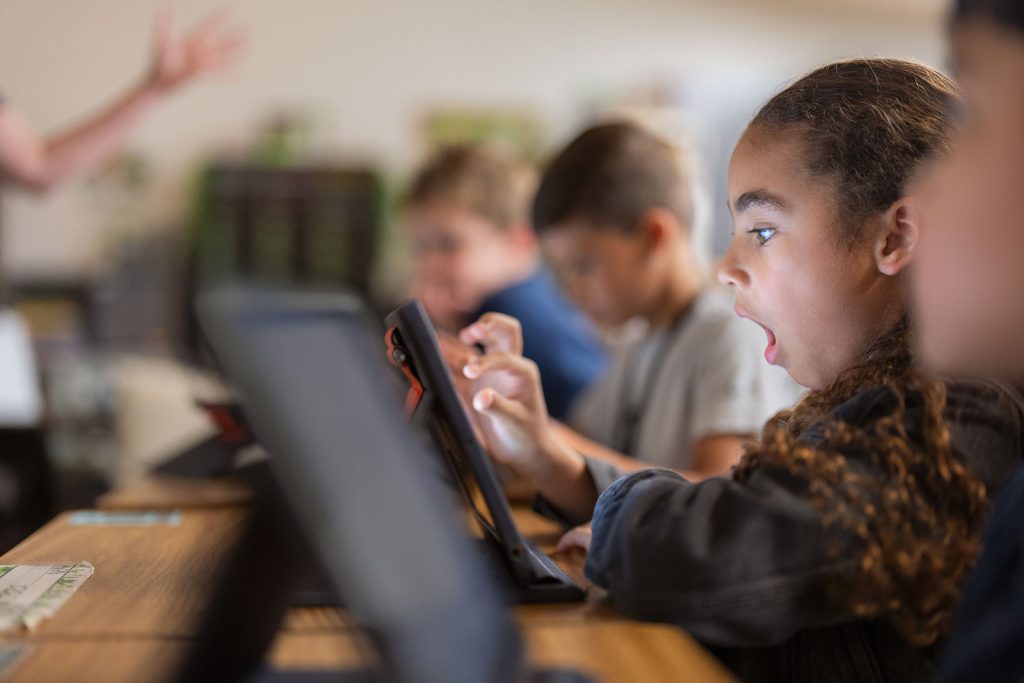
RISD’s Instructional Technology Operations department works to ensure students and staff have access to the technology devices and technical support needed to enhance teaching, learning, and business operations.
Learn more about our department:
Devices
RISD is a 1:1 district – every student is assigned a device to use in their learning.
iPad Campuses
- RISD uses JAMF to manage all district iPads.
- Teachers have access to Apple Classroom to support managing student learning with technology.
- All elementary campuses. (Devices stay on campus.)
- RWJH, WWJH, RHS. (Devices are issued to students to use on and off campus.)
- Parents are able to use JAMF Parent to help monitor their student’s district-issued iPad at home.
Chromebook Campuses
- BHS, LHHS, PHS
- AJH, FMMS, LHMS, LJH, PHJH, RNJH
- All secondary students are issued a device that they keep all year, taking it home nightly and summer.
- Teachers have access to GoGuardian to support device management in student learning.
- Students taking home devices are offered insurance at a small cost at the beginning of the year or at the time of enrollment through their SchoolPay account. Insurance covers theft and accidental damage for the school year.
- Parents are able to use GoGuardian Parent to help monitor their student’s district-issued Chromebook at home.
Refresh Cycle
All technology equipment is funded through Bond funding. The RISD community has been generous in passing Bonds every five years to support student and staff technology devices.
Every device is refreshed within the current bond cycle.
Classroom Management & Devices
Monitoring student use of devices during classroom use is an important part of learning with technology. Teachers have a variety of tools, in addition to traditional behavior management strategies, to help manage student use of the devices.
- JAMF Teacher – Also used in classrooms using iPads, this tool is used to allow/hide specific apps and websites during a lesson.
- Apple Classroom – In classrooms using iPads, Apple Classroom allows a teacher to guide students through a lesson, see their progress, and keep them on track.
- GoGuardian Teacher – secondary teachers use GoGuardian to view into student work and manage digital resources by class or individual. Teachers can view student screens in real-time, send messages to engage them in the content, and focus students by locking them into specific sites. Teachers only have access to monitor student use during school hours.
Classroom Technology
Every RISD staff member has a laptop in order to be mobile and flexible in fulfilling their job responsibilities. Teachers all have a laptop and iPad. Classrooms are equipped with either an interactive projector or an interactive flat panel (IFP). All projectors and IFPs have an Apple TV and stand for the iPad to be used as a document camera when needed.
Technical Support
Every campus has technical support available to troubleshoot software and hardware issues. Contact your campus for process and contact information, if needed.
RISD has the Technical Support Center (TSC) to address staff technical issues. The TSC can be reached by calling, 469.593.HELP (4357) or email at TechnologySupportCenter@risd.org.
Additional information about the Responsible Use Guidelines, BYOD and discipline related to technology can be found in the Student Code of Conduct & Student Guidebook.
RISD has the Technical Support Center (TSC) to address staff technical issues. The TSC can be reached by calling, 469.593.HELP (4357) or email at TechnologySupportCenter@risd.org.
Additional information about the Responsible Use Guidelines, BYOD and discipline related to technology can be found in the Student Code of Conduct & Student Guidebook.